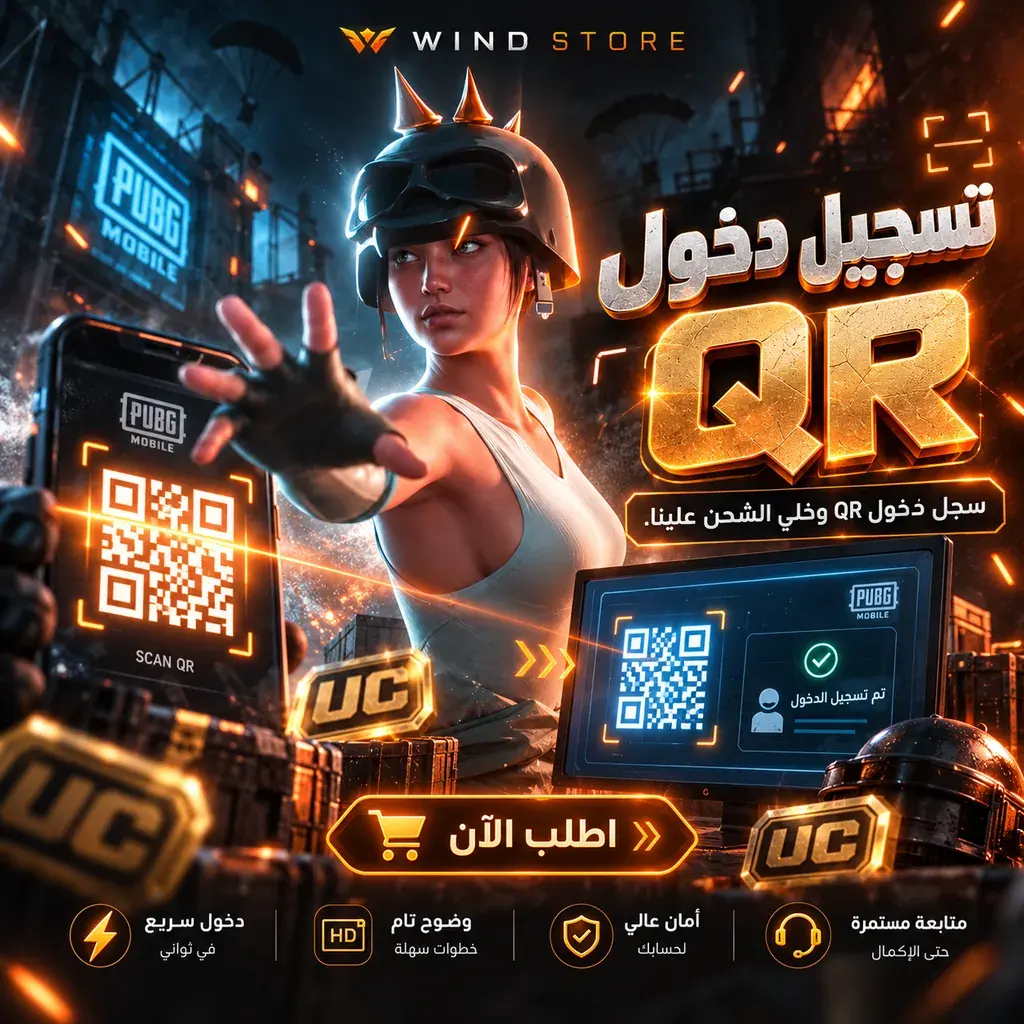

UC by Player ID
- Direct top-up to your Player ID
- Vodafone Cash · InstaPay
Warning
Double-check your Player ID before paying.
Choose a package
1Choose a package
2Your account details
Your PUBG Mobile account number, shown under your name on your profile.
About this service

Top up PUBG Mobile UC directly to your account using your Player ID — no login details needed. Pick a package, enter your Player ID, pay with Vodafone Cash or InstaPay, and follow the order from its order page.
- Delivery method:
- Direct top-up to your Player ID
How WIND works
- 1Choose a UC package.
- 2Enter your Player ID and double-check it.
- 3Pay the exact amount and submit proof of payment.
- 4After payment is verified the top-up is processed; follow it from your order page.
Product questions
What details does my order need?
Player ID
How can I pay?
Vodafone Cash · InstaPay
How is this product delivered?
Direct top-up to your Player ID
How can I track my order or contact support?
After placing your order, open its page from your account to follow its status, delivery and support conversation.