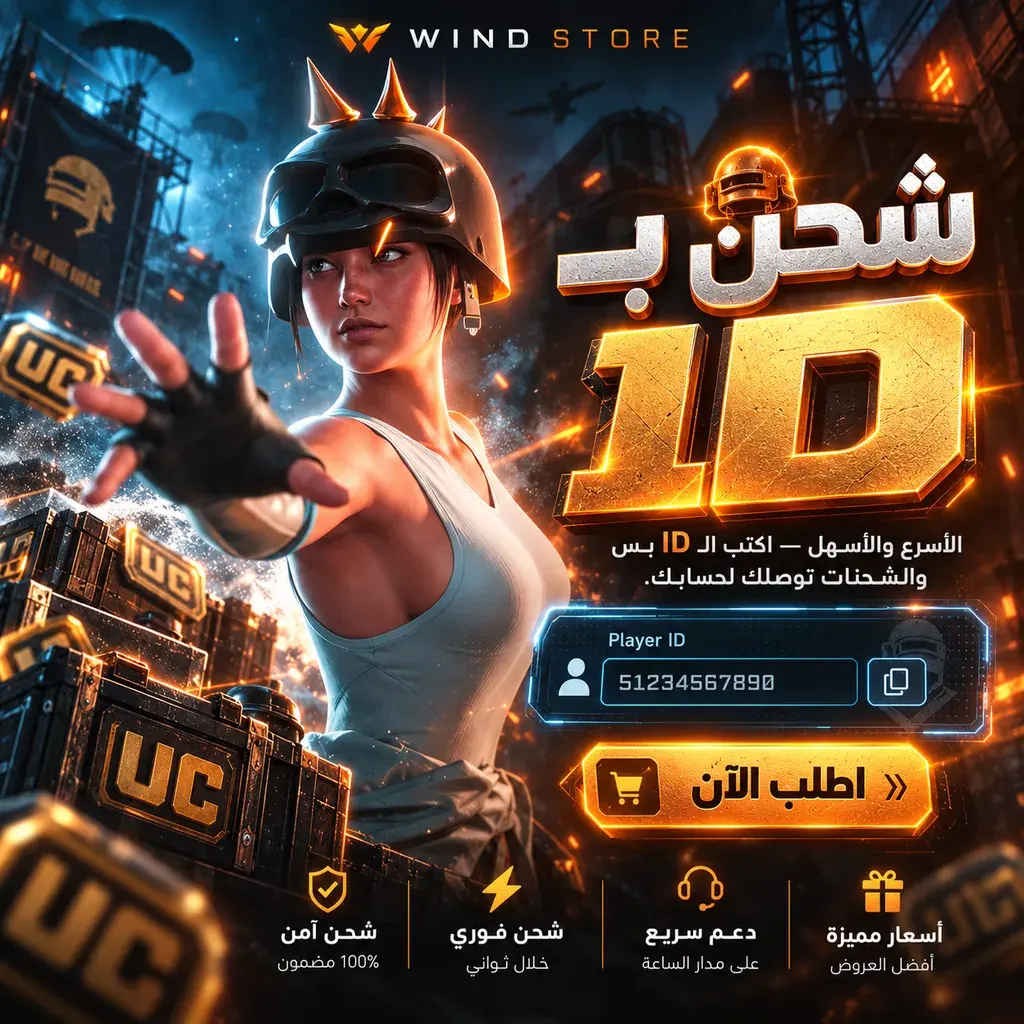
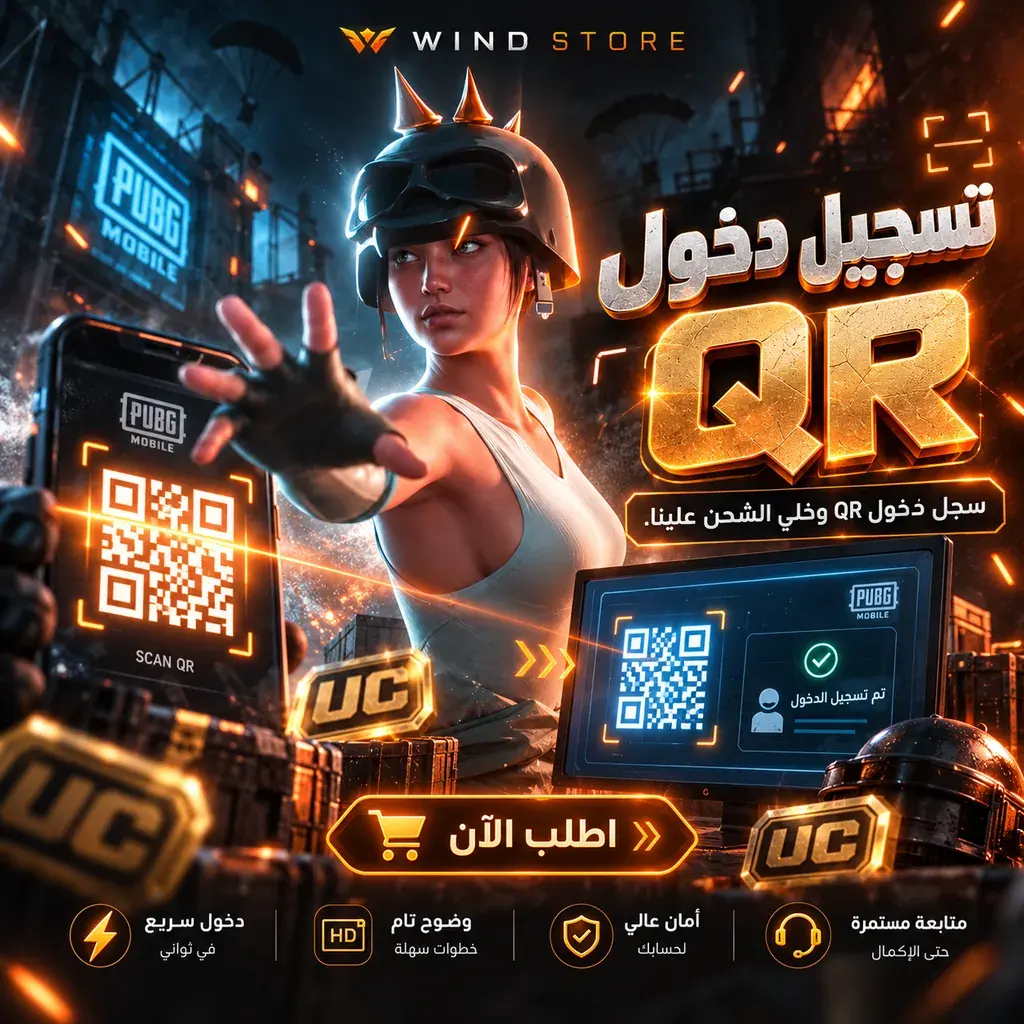
QR Login top-up
- QR session after payment is verified
- Vodafone Cash · InstaPay
Important
Stay available after paying — the QR code expires.
Choose a package

Coming soon
Available plans will appear here once enabled.
About this service

Top-up through a QR login session. After payment is verified, press “I'm ready” in your order page; support sends a QR code with a real expiry, you scan it in-game, and the top-up is completed.
- Delivery method:
- QR session after payment is verified
How WIND works
- 1Pay and wait for payment verification.
- 2Open your order page and press “I'm ready”.
- 3Scan the QR code in-game before it expires.
- 4Press “I scanned it” and support completes the top-up.
Product questions
What details does my order need?
No additional product details are required. Choose your package and continue to checkout.
How can I pay?
Vodafone Cash · InstaPay
How is this product delivered?
QR session after payment is verified
How can I track my order or contact support?
After placing your order, open its page from your account to follow its status, delivery and support conversation.